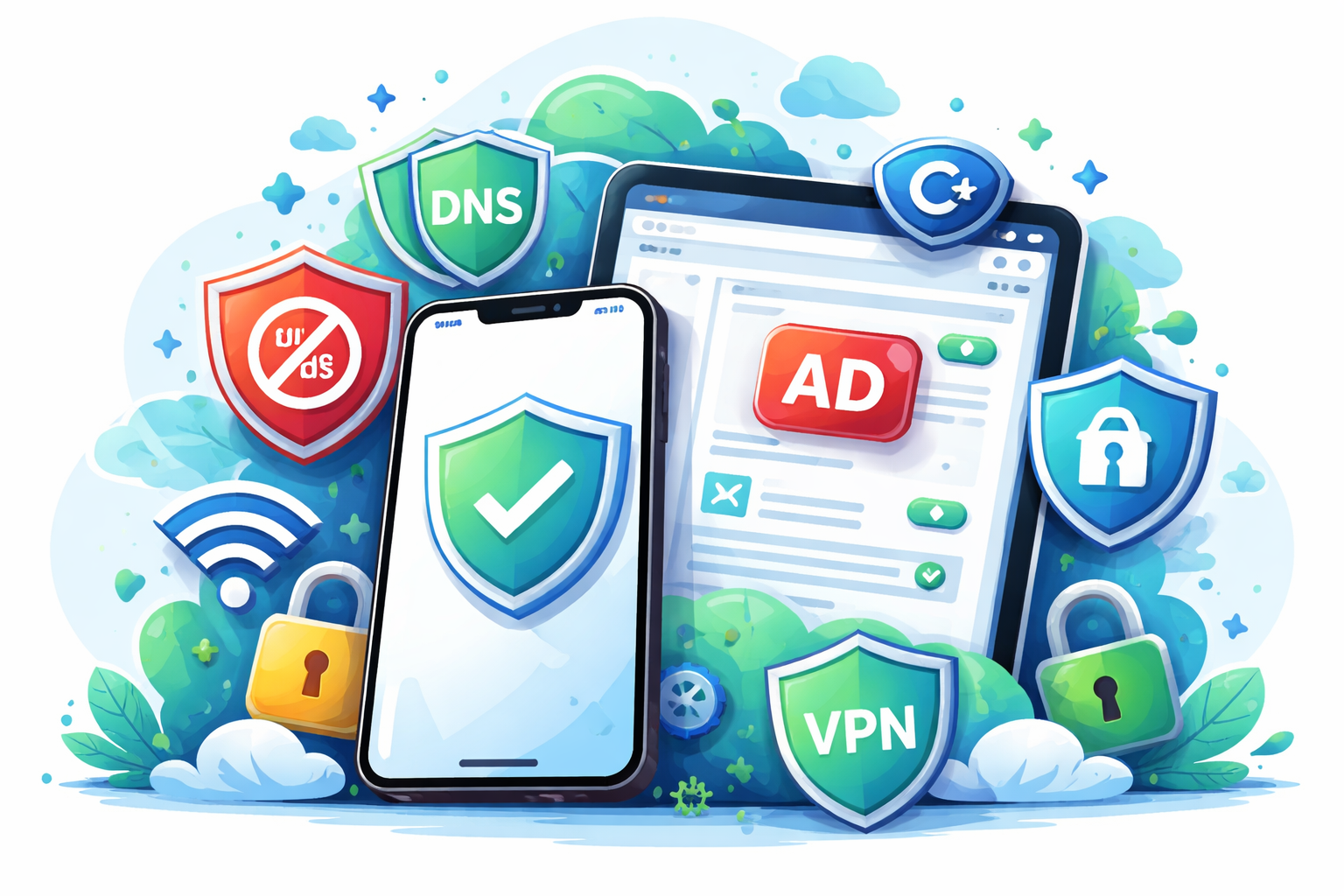
The State of Blocking: A Guide to Ad Blockers on iOS & iPadOS
For years, “system-wide” ad blocking on iPhone typically meant a trade-off: the most aggressive options relied on a local, device-level tunnel (often presented as a VPN). It worked, but it could add operational friction — especially for anyone who also needs a corporate VPN.
In 2026, the platform story is materially better, but it is not magical.
Two Apple capabilities matter most:
- Encrypted DNS (DoH/DoT) configured at the OS level: mature, stable, and broadly useful for cutting tracking across the device — with important precedence rules when a full VPN is active.
- iOS 26 URL filtering (NEURLFilter): a meaningful architectural shift, but best viewed as an emerging foundation that is not yet universally available to consumer-grade ad blockers.
If you want the simplest answer: use a Safari content blocker for Safari, and use DNS filtering for cross-app tracking reduction. Treat “VPN-style” blockers as a power option when you explicitly need their added capabilities.
1) What “Native” Means in 2026 (and What It Does Not)
The three implementation models you will still see
-
Safari Content Blockers (Safari-only)
- Runs through Apple’s content blocking pipeline in Safari.
- Best for: clean pages, fewer pop-ups, less tracking in Safari.
- Trade-off: does not protect traffic inside most apps.
-
OS-Level Encrypted DNS (device-wide domain filtering)
- You set a DNS provider that supports DNS-over-HTTPS (DoH) or DNS-over-TLS (DoT).
- Best for: reducing tracking domains across apps without running a tunnel.
- Trade-off: it is domain-level. It cannot selectively remove first-party, same-domain ads, and it will not “clean up” the visual layout in apps.
-
Local Tunnel / DNS Proxy (“VPN icon” approach)
- A local network extension intercepts traffic and applies rules.
- Best for: advanced control, richer logging, and features that exceed what OS-level DNS settings expose.
- Trade-off: can conflict with other VPN use, and adds more moving parts.
The iOS 26 shift: NEURLFilter raises the ceiling
iOS 26 introduces a URL-filtering framework designed to block or allow requests with stronger privacy properties than traditional approaches. Apple’s stated direction is privacy-preserving filtering where providers can operate with cryptographic safeguards instead of raw visibility into browsing history.
Two practical realities matter for readers:
- Coverage is not universal. The system can automatically cover traffic flowing through Apple networking stacks (notably WebKit and URLSession). Apps that do not use those paths may not be covered unless they integrate participation mechanisms.
- Adoption will be gradual. The operational and distribution requirements (including entitlements and infrastructure) are non-trivial. This is not an overnight consumer market flip.
Net: NEURLFilter is a real platform advance, but it is not yet the default path for mainstream consumer ad blocking.
2) Apple’s “Distraction Control” Reality Check
With iOS 18, Apple added Distraction Control in Safari. It is often described as an “Apple ad blocker,” but that is not what it is.
Distraction Control is best understood as a cosmetic tool:
- It is designed to hide static page elements (for example, persistent banners).
- It is not positioned as a tracking defence, and it is not designed to permanently hide ads or frequently changing elements.
Verdict: use it to reduce visual clutter, not as a privacy control.
3) Choose Your Setup in 30 Seconds (Decision Framework)
Use this logic:
-
If you mainly care about Safari:
Choose a Safari content blocker. -
If you want to reduce tracking across apps:
Choose Encrypted DNS (a reputable DNS filtering provider). -
If you rely on a corporate VPN:
Prefer Safari content blocking for browsing cleanliness, and treat DNS filtering as “best-effort” depending on how your VPN handles DNS. -
If you want detailed logs, granular firewall control, or DNS-over-QUIC-style performance tuning:
Consider a local tunnel/DNS proxy mode — with the explicit acceptance that it may interfere with other VPN use.
4) Recommended Options (Canada App Store)
Prices reflect the Canada App Store as of Jan. 2, 2026, and may change.
Tier 1: Safari-first (best for most people)
Top pick: Wipr 2 ($6.99 CAD, one-time purchase)
- Why it’s here: simple to run, low operational friction, and designed for set-and-forget use.
- Notable: the developer states the blocklist updates automatically on a regular cadence and focuses on reducing ads, trackers, and cookie warnings.
Runner-up: 1Blocker (free download; paid upgrade available, including lifetime)
- Why it’s here: more control for users who need granular whitelisting and fine-tuning.
- Best for: people who regularly troubleshoot site breakage and want toggles and rule-level governance.
Tier 2: Cross-app tracking reduction (advanced)
Option A: NextDNS (service; free tier and paid plans in USD)
- Why it’s here: strong visibility, good policy controls, and works well as an OS-level encrypted DNS profile.
- Best for: households and power users who want device-wide domain controls and a dashboard.
- Reality check: DNS filtering cannot reliably remove first-party, same-domain ads in major apps (YouTube is the classic example).
Option B: AdGuard Pro ($12.99 CAD, one-time)
- Why it’s here: a mature toolkit that can pair Safari blocking with DNS-based tracking protection.
- How to think about it:
- If you want a lighter footprint, use OS-level encrypted DNS where feasible.
- If you need more advanced capabilities (for example, detailed logs or proxy-style control), you may choose the more invasive operating mode — understanding the VPN-slot trade-off.
5) Critical Limitations (Read This Before You Buy)
The YouTube and first-party ads wall
DNS-based filtering blocks at the domain level. When a service delivers ads from the same domains and infrastructure as core content, DNS-level blocking cannot reliably separate “ad” from “video” without breaking playback.
Practical implication:
- Do not buy a DNS product expecting it to erase YouTube in-app ads.
- If your objective is fewer ads while watching YouTube, your best non-subscription option is often watching in Safari with a Safari content blocker enabled, accepting that behaviour and reliability can change over time.
Private Relay and custom encrypted DNS: you are changing the trust model
If you configure custom encrypted DNS (via a profile or an app), the device uses that DNS server rather than Private Relay’s oblivious DNS mechanism. That shifts visibility away from your ISP and toward the DNS provider you selected.
This is not “good” or “bad” — it is a governance decision:
- Your ISP sees less.
- Your chosen DNS provider sees more.
- Apple’s ODoH-based DNS privacy protections are not the mechanism in use when custom encrypted DNS is enforced.
VPN precedence
If you run a full VPN tunnel for work, it may take precedence over other networking settings (including DNS behaviour). Plan for this:
- Safari content blocking still helps for Safari.
- DNS filtering may become “best-effort” depending on corporate VPN configuration.
6) Pro Tips (Power Users)
The “combo stack” (high value, low friction):
- Use Wipr 2 for Safari page cleanliness.
- Use NextDNS via a native encrypted DNS profile for device-wide domain-level tracking reduction.
Use Safari Profiles for “breakage-free” workflows:
- Create a “Banking” profile with no extensions enabled.
- Use your default profile for everyday browsing.
- This avoids toggling extensions on and off when you hit sensitive sites (CRA, financial institutions, and certain SSO flows).
Troubleshooting sequence (fast):
- Disable the Safari content blocker on the affected site (per-site).
- If the issue persists, temporarily disable custom DNS/encrypted DNS.
- If you are on a corporate VPN, test off-VPN (when permitted) to confirm precedence effects.
Verdict
- Most users: buy Wipr 2 and stop thinking about it.
- Power users who want cross-app tracking reduction: add NextDNS via native encrypted DNS.
- Users who need advanced controls and are comfortable with trade-offs: AdGuard Pro remains a strong, feature-rich option — but choose operating mode intentionally, especially if you also need a corporate VPN.
Disclaimer and Ethics Statement
Pricing and availability: Prices are listed in Canadian dollars (CAD) where the App Store provides CAD pricing. Service plans (for example, NextDNS) are typically priced in USD and may vary based on billing cadence and taxes.
Testing methodology: Apps were tested on an iPhone 16 Pro running iOS 26.2 over 14 days. We evaluated battery impact using Settings > Battery and checked blocking efficacy using standard test sites and real-world browsing. Page-load observations are directional; results vary by site design, network conditions, and device state.
Editorial independence: Kiledjian.com has no affiliate relationship with the developers or services referenced in this guide. No developer paid for placement or review consideration.
Keywords: #iOS #iPadOS #AdBlock #AdBlocking #Privacy #CyberSecurity #Infosec #OnlinePrivacy #Tracking #AntiTracking #Safari #ContentBlocker #DNS #EncryptedDNS #DoH #DoT #NextDNS #AdGuard #Wipr2 #1Blocker #VPN #PrivateRelay #ODoH #MobileSecurity #DigitalWellbeing #TechGuide #Apple #iPhone #iPad #Canada #CanadianTech #PrivacyTech #NetworkSecurity #SecurityAwareness #Productivity