Do you really need a VPN, and if so, when?
VPN advertising is everywhere: podcasts, YouTube, sports broadcasts, airport banners and influencer sponsorships.
The pitch is usually simple and alarming. Without a VPN, hackers can see everything you do. Your privacy is gone. Your data is being sold. You are exposed.
Most of that pitch is marketing, not security.
But VPNs are not useless either. A VPN is a specific tool for specific situations. Knowing whether those situations apply to you is worth more than any subscription discount.
What a VPN actually does
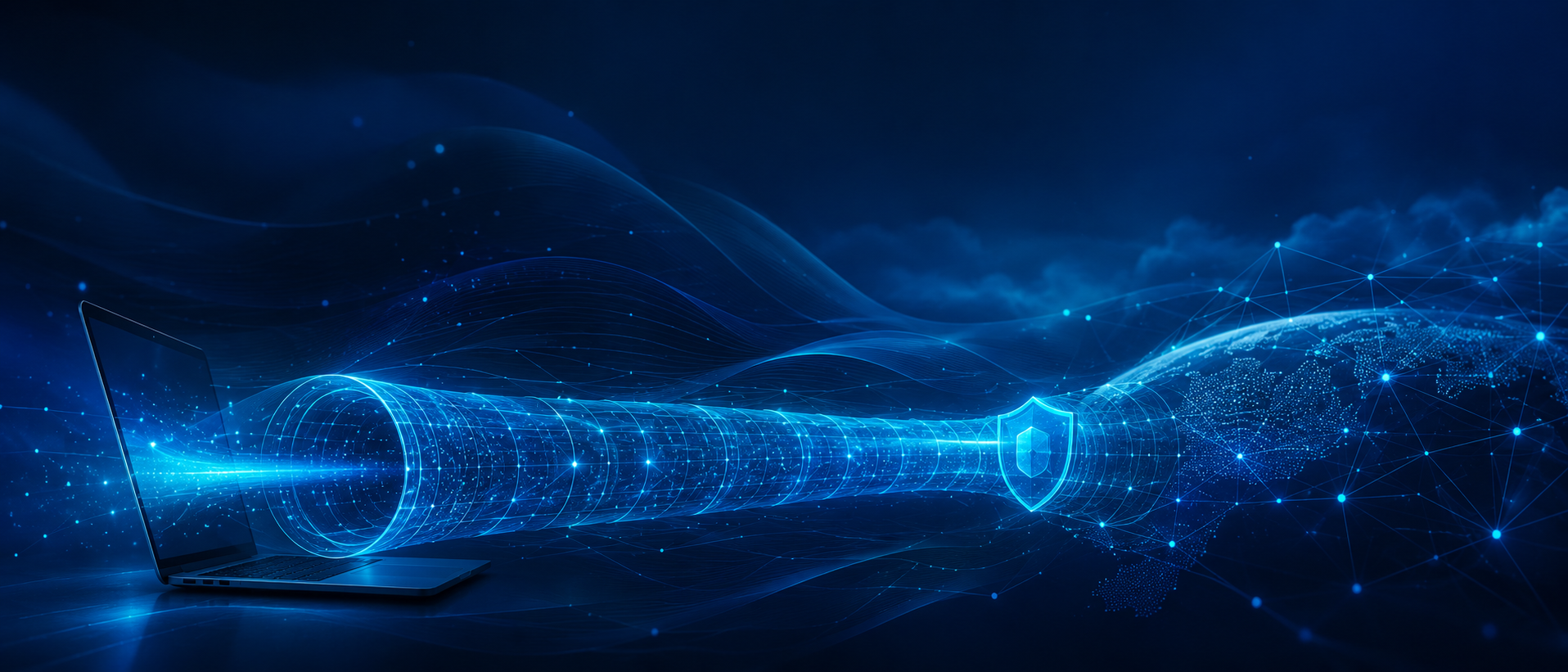
A VPN, or virtual private network, creates an encrypted tunnel between your device and the VPN provider’s server. Your internet traffic travels through that tunnel, then exits to the wider internet from the provider’s network.
Two things follow from this design.
First, anyone between you and the VPN server sees encrypted traffic going to the VPN provider. That includes a coffee shop network, hotel WiFi, airport WiFi, school network, workplace guest network or your internet provider.
Second, websites and online services you visit usually see the VPN server’s IP address and approximate location rather than your home IP address.
That is the core product: an encrypted tunnel and a different visible network address.
Everything else depends on the provider, the configuration, the application, the website and the threat you are trying to manage.
What a VPN does not do
This section matters more than the previous one.
A VPN does not make you anonymous
If you log in to a website, that website still knows who you are. You told it when you signed in.
A VPN may change the IP address the site sees, but it does not erase your account activity, cookies, browser fingerprint, payment records, device identifiers or behavioural patterns.
If you log in to your email, bank, shopping account, cloud storage, streaming service or social media profile, the VPN does not make that activity anonymous. It only changes part of the network path.
A VPN does not stop tracking by itself
Many forms of online tracking do not depend primarily on your IP address.
Advertisers and data brokers can use cookies, pixels, browser fingerprinting, app identifiers, account logins, embedded trackers and cross-site scripts. A VPN does not automatically remove those.
If your main goal is to reduce advertising and web tracking, start with a privacy-focused browser, strong tracker blocking, tighter cookie settings, fewer unnecessary browser extensions and better account privacy controls.
A VPN may help with one part of the picture, but it is not the main control for advertising privacy.
A VPN does not protect you from phishing
If you enter your password into a fake website, a VPN will not save you.
The connection to the fake website may even be encrypted. Encryption protects the connection. It does not prove that the destination is legitimate.
Phishing protection depends on different controls: domain awareness, password managers, MFA, passkeys, browser warnings, email security, user judgment and security training.
A VPN does not protect you from malware
A VPN is not an antivirus product. It does not make a malicious download safe. It does not make a dangerous browser extension safe. It does not fix an unpatched operating system.
Some VPN providers bundle malware blocking, DNS filtering or tracker blocking. Those may be useful, but they are separate features. They are not inherent to the VPN itself.
A VPN does not remove trust
This is the most important point.
A VPN does not eliminate trust. It relocates trust.
Without a VPN, your internet provider, mobile carrier, school, employer or local WiFi operator may be able to see certain connection metadata. With a VPN, much of that visibility shifts to the VPN provider.
That may be a good trade if the VPN provider is reputable, audited, transparent and aligned with your privacy expectations. It may be a poor trade if the provider is free, obscure, aggressive with marketing or vague about logging.
The question is not, “Do I trust VPNs?”
The question is, “Do I trust this specific provider more than the network I am using?”
Why the old public WiFi argument is weaker now
A decade ago, public WiFi advice was simple: do not do anything sensitive on it.
That advice made sense when much of the web still used unencrypted HTTP. Someone on the same network could potentially capture traffic and read information directly.
Today, the situation is different. Most mainstream websites use HTTPS. Banking, email, shopping, cloud services and social media platforms generally encrypt the connection between your device and the service.
That means the classic “hacker at the next table steals your banking password over WiFi” scenario is much less realistic than it once was.
A VPN can still be useful on public WiFi, especially if you travel often or use unfamiliar networks. But it is no longer accurate to say that safe browsing depends entirely on having a VPN.
For most people, the bigger public WiFi risks are fake networks, fake login portals, phishing, poor device settings, outdated software and shoulder surfing.
A VPN helps with some network visibility. It does not solve all of those problems.
When a VPN genuinely makes sense
A VPN is useful when its strengths match the situation.
Frequent travel and untrusted networks
If you regularly work from hotels, airports, conferences, cafés, client sites or shared networks, a reputable VPN is reasonable.
It reduces what the local network can observe and gives you a more consistent security posture across networks you do not control.
For frequent travellers, this alone can justify the cost.
Corporate remote access
Corporate VPNs still have a clear role when employees need access to internal systems, administrative tools or private applications that are not directly exposed to the internet.
In that context, the VPN is not mainly a consumer privacy product. It is a controlled access path into business systems.
For organizations, the VPN should be managed, patched, monitored, protected with MFA and configured according to security policy. A poorly maintained VPN can become a high-value target.
Countries with heavy internet restrictions
If you travel somewhere that blocks services you rely on, a VPN may help restore access.
This is a legitimate use case, but it requires caution. Some jurisdictions restrict or regulate VPN use. Some networks actively block VPN traffic. In sensitive environments, using a VPN may draw attention.
Check local law and your organization’s travel guidance before relying on one.
Reducing visibility to your internet provider
A VPN can reduce what your internet provider can see about your browsing patterns.
It does not make you anonymous, and it does not hide everything from everyone. But it can reduce ISP-level visibility into domains, traffic patterns and destination metadata, depending on the configuration and protocols in use.
Again, this shifts trust to the VPN provider. Choose carefully.
Shared living situations
If you live in a shared residence, use someone else’s router or do not control the local network, a VPN can help keep your browsing traffic less visible to the network owner or other users on that network.
This can be useful in dorms, rentals, temporary housing or shared family environments.
Region-restricted content
Many people use VPNs to access content libraries from other regions.
This is common, but it is not really a security use case. It may violate a streaming service’s terms of use, and many services actively block VPN traffic. Results vary.
Buy a VPN for this reason only if you understand that it may be unreliable.
When you can probably skip it
A VPN is not necessary for every person in every situation.
Ordinary browsing at home
At home, on your own properly secured network, doing normal browsing, a VPN may add little security value.
Your sensitive web traffic is already usually protected by HTTPS. Your biggest risks are more likely to be phishing, weak passwords, reused passwords, malicious downloads, outdated software or account compromise.
A VPN does not address those risks directly.
Privacy from advertisers
If your primary concern is advertising and cross-site tracking, a VPN is not the first place I would spend attention or money.
Start with the controls that address how tracking actually works:
- Use a privacy-focused browser
- Enable strong tracker blocking
- Limit third-party cookies
- Remove unnecessary browser extensions
- Review account privacy settings
- Use a reputable content blocker
- Avoid signing in everywhere
- Use separate browser profiles for different contexts
Those steps are more directly connected to advertising privacy than changing your IP address.
Basic account security
A VPN will not compensate for weak account hygiene.
Before paying for a VPN, make sure you have the basics in place:
- Strong, unique passwords
- A password manager
- MFA or passkeys where available
- Updated devices
- Updated browsers
- Secure recovery email and phone settings
- Device screen lock
- Phishing awareness
- Good backup habits
For most people, these controls reduce more real-world risk than a VPN subscription.
If you do buy a VPN
Choose carefully. You are giving the provider a privileged position in your internet path.
Look for:
- A paid provider with a sustainable business model
- A clear no-logging policy
- Independent security or privacy audits
- Transparent ownership
- Modern VPN protocols
- Strong default encryption
- Good client security
- Reliable kill switch functionality
- DNS leak protection
- Clear jurisdictional information
- A track record of security updates
- No pressure-based marketing claims
Avoid free VPNs unless they are limited free tiers from reputable paid providers. Running VPN infrastructure costs real money. If you are not paying, understand how the provider funds the service.
Treat lifetime subscriptions with caution. Servers, bandwidth, engineering, audits and support cost money forever. A one-time fee rarely aligns well with a long-term privacy promise.
The enterprise version
For organizations, VPNs should not be treated as a checkbox.
A corporate VPN can be useful, but it also becomes a strategic access point into the enterprise. That makes it a target.
Security teams should ask:
- What business problem is the VPN solving?
- Which users and devices can connect?
- Is MFA mandatory?
- Are privileged users treated differently?
- Is split tunnelling allowed?
- Are VPN clients and gateways patched quickly?
- Is access logged and monitored?
- Is device posture checked before connection?
- Are unmanaged devices blocked?
- Are sensitive applications better served by zero-trust access instead?
- Is the VPN still needed for each application it exposes?
The better enterprise conversation is not “VPN or no VPN.”
It is “which access model best protects this user, device, application and data flow?”
For some systems, a VPN remains appropriate. For others, identity-aware proxy, zero-trust network access, SaaS-native controls, privileged access management or application-layer security may be better.
The goal is secure access, not loyalty to a specific network architecture.
The bottom line
A VPN is useful when you understand what it does.
It creates an encrypted tunnel to a provider and changes the network address that websites usually see. That can be valuable on untrusted networks, during frequent travel, for corporate access, in shared environments and for specific privacy goals.
But a VPN is not a security suite. It is not an anonymity cloak. It does not stop phishing. It does not fix weak passwords. It does not remove tracking by advertisers. It does not make bad websites safe. It does not eliminate trust.
Buy one if your situation calls for it.
Just know what you are buying: an encrypted tunnel, a change of address and a new party to trust.
Ethics and Transparency Statement
This article was prepared with AI assistance for drafting, editing and structure. The final judgment, conclusions and responsibility for publication remain with the author.
No vendor paid for, reviewed or approved this article. Product categories are discussed for general security awareness and are not endorsements or recommendations of any specific VPN provider, browser, internet service provider, mobile carrier, cybersecurity product or remote-access technology.
Disclaimer
The views expressed in this article are my personal views and do not necessarily reflect the views, positions or opinions of my employer, its affiliates, leadership, customers or partners.
This article is provided for general informational and educational purposes only. It does not constitute legal, compliance, security, privacy or professional advice. VPN risk and usefulness vary based on the user, device, provider, jurisdiction, configuration, network, applications, threat model, data sensitivity and operating environment.
Individuals should make decisions based on their own needs and risk tolerance. Organizations should evaluate VPNs and remote-access technologies in the context of their security architecture, identity strategy, endpoint management capabilities, regulatory obligations, acceptable-use policies and business requirements.
Sources and further reading
- FTC: Are Public Wi-Fi Networks Safe? What You Need To Know
- Canadian Centre for Cyber Security: Virtual private networks
- Canadian Centre for Cyber Security: Protecting your organization while using Wi-Fi
- NSA and CISA: Selecting and hardening remote access VPN solutions
- Electronic Frontier Foundation: A wider view on TunnelVision and VPN advice
Keywords
VPN, virtual private network, VPN security, VPN privacy, public WiFi, remote work security, HTTPS, online privacy, internet provider privacy, VPN provider trust, free VPN risks, corporate VPN, zero trust access, remote access security, endpoint security, MFA, split tunnelling, DNS leak protection, phishing, tracking protection, cybersecurity awareness, cyber hygiene